In the unlikely event of an incident occurring with the eBee X, our customer support engineers will require the following information from the operator in charge for an analysis:
- BBZ drone log (and mission file)
- Time of incident
- Date of incident
- Location of incident
- Meteorological conditions on the day of flight
- Serial number from the drone and payload
- Pictures of the damage (if any) of the drone and payload
- Screenshot of the warning in eMotion if possible
A detailed description of the incident from the operator's point of view will also be required along with the actions taken by the operator in flight to assist the critical situation.
How to obtain BBZ logs
Accessing the internal log directory
To access the internal memory of the drone, please follow the steps provided below:
- Remove the camera and power the eBee X on
- Wait 10-20 seconds to allow the eBee X to boot up
- Attach the mini-USB cable between the computer and the eBee X's USB port
This will allow you to gain access to the internal log directory on the autopilot.
Please forward the BBZ logs from the last successful flight and the BBZ file from the incident if occurred. The BBZ logs can be quite large. These files can be uploaded to a file transfer service such as OneDrive/Sharepoint, WeTransfer, Dropbox etc and share the link to download the data with support team.
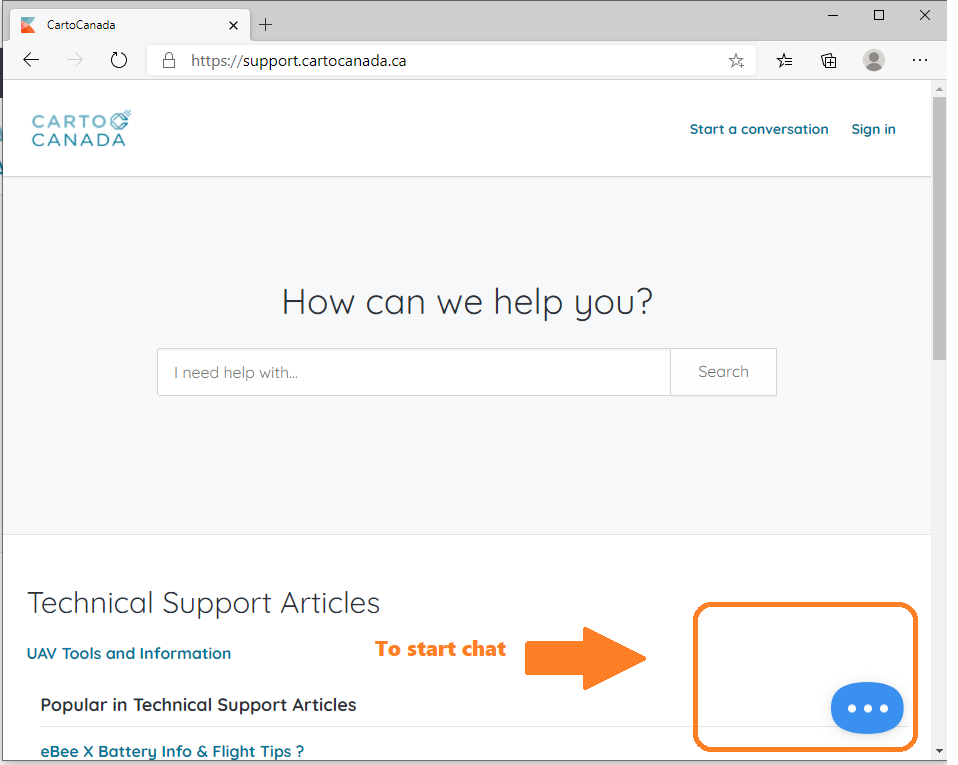
The support team can always be reached at:
- Phone: 1-519-343-5454 x 111
- Email: sales@cartocanada.ca
---
How to Obtain Serial Numbers
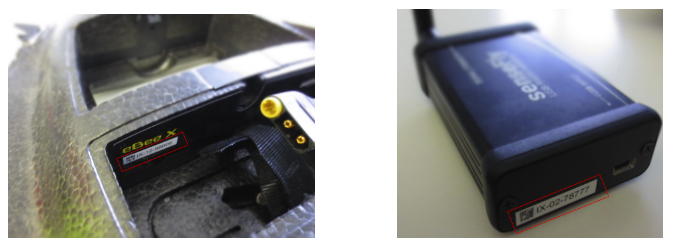
Drone Serial Number
Located in the battery bay (eBee X series) or camera bay (other eBees) of the drone, and on the ground modem.
Camera Serial Number
Located on the integration kit (for static cameras) or back of the camera (for removable cameras).
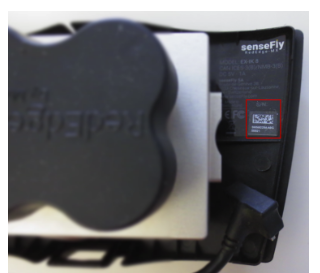
Note: The Aeria X and SODA 3D cameras have 2 serial numbers, one for the camera and another for the integration kit. Please provide the one on the Integration Kit.
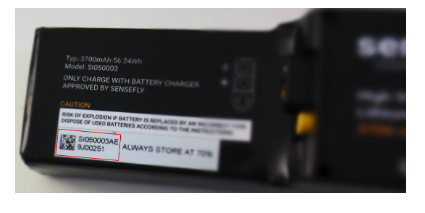
Battery Serial Number
Located on the top side of the battery.
---
How to Obtain Mission Files
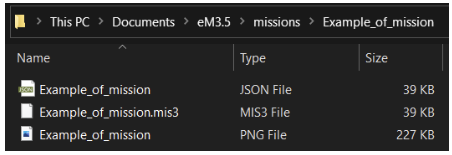
The eMotion folder, which is located in Windows Documents (usually C:\Users\[your_username]\Documents\eMotion, but the folder can also be named eM3.5 or eM3.7), stores all mission files inside the "missions" subfolder.
Each mission has its dedicated subfolder named as the mission. To share a specific eMotion mission with support, all the files in the dedicated subfolder are to be shared.
---
How to Obtain eMotion Logs
The eMotion folder stores all log files inside the "logs" subfolder. Each eMotion session has its dedicated subfolder named as the time of use of eMotion.
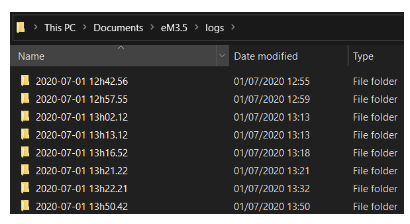
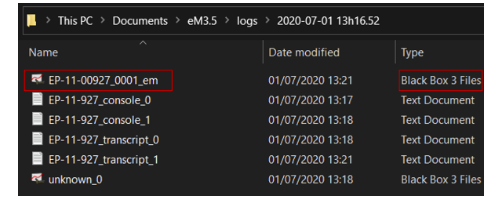
In the folder will be one or several .bb3 log files corresponding to the flight number of the flight, and ending with _em. These eMotion logs .bb3 files are to be shared with support (not the full folder).
---
How to Obtain Drone Logs
To access the internal memory of the drone:
- Remove the camera and power the eBee on
- Wait 20 seconds to allow the eBee to boot up
- Attach the mini-USB cable between the computer and the eBee USB port
This will allow you to gain access to the internal log directory on autopilot.
- For the eBee X series, files in the
SFBBZsubfolder are of interest - For other eBees, files will be located at the root
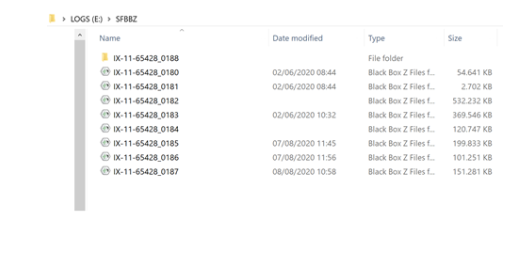
Note: It is possible that there are a small number of sub-folders in the SFBBZ directory. This is normal, as the drone has simply not had sufficient time to complete the zipping of the various subcomponent logs into a coherent BBZ file.